Activities
As a System Administrator, you have the ability to search for activities performed on all protected files by all users. You also have access to additional search criteria not available to other users.
For more information on the options discussed in this section, refer to the Seclore Rights Management – Security Administrator guide.
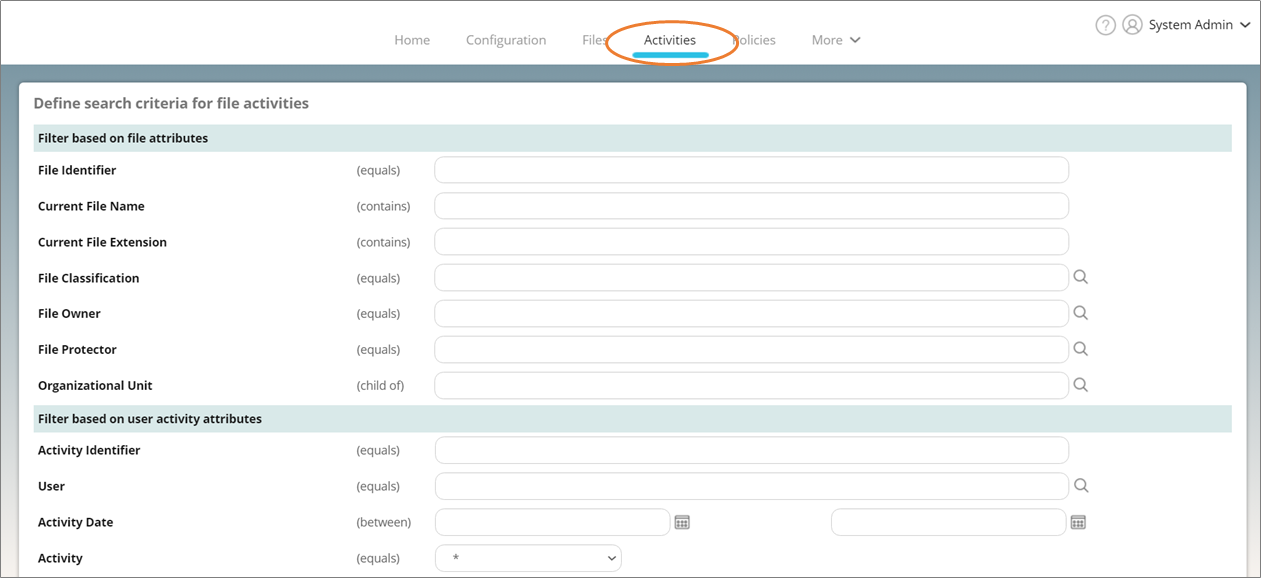
Click on the Activities tab at the top of the page.
Use the available search options on the next page to search for protected files. As a System Administrator, you will see search results from the entire organization.
Note that the activities performed by enterprise applications are logged with the name of the application.